 Toolnoza
WORD / APPLICATIONS
Classic cover letter template
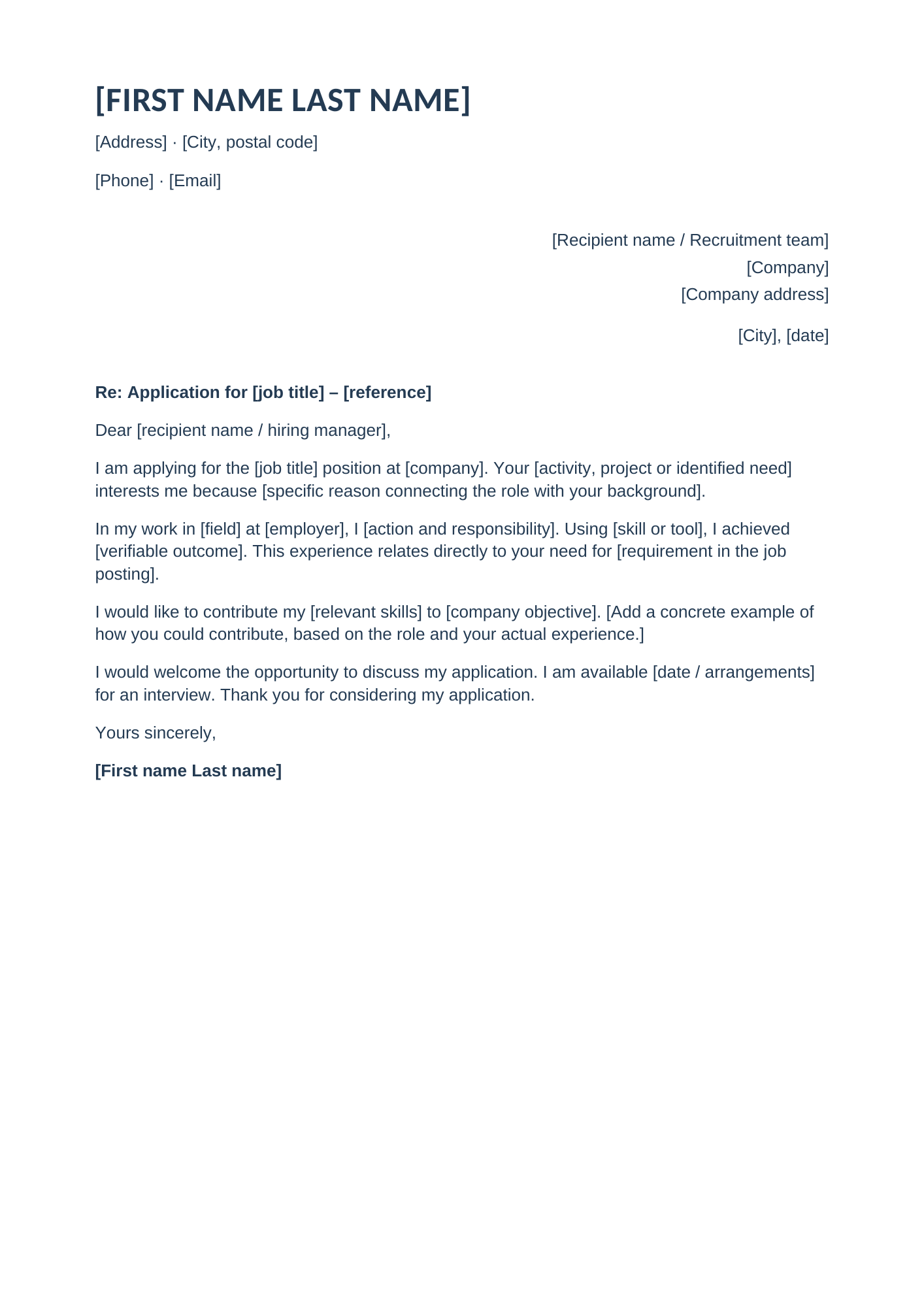
A straightforward letter with contact details, recipient, subject and four paragraphs to personalize. Free Word template.
Template preview
Who is it for?
Job applications in formal settings or when you prefer a simple presentation.
How to personalize the letter
- Open the file in Word or a word processor supporting .docx.
- Replace every bracketed field: contact details, recipient, role, reference and date.
- Explain your interest in this company and role with a specific reason.
- Describe a real achievement and connect your contribution to the job requirements.
- Remove the bracketed instructions and proofread the letter. Check the layout, then export to PDF if needed.
Included sections
Contact details, recipient, date, subject, introduction, experience or project, proposed contribution, availability and signature.
Tailor the content to your background
Bracketed passages are a framework to complete. Use your actual experience and results, and tailor the text to each application. The template fits on one page before editing; pagination can change with your text and software.